


Wholesale Pricing for Licensed Professionals

In-office display program

In-Office Displays Showcase what your office recommends.

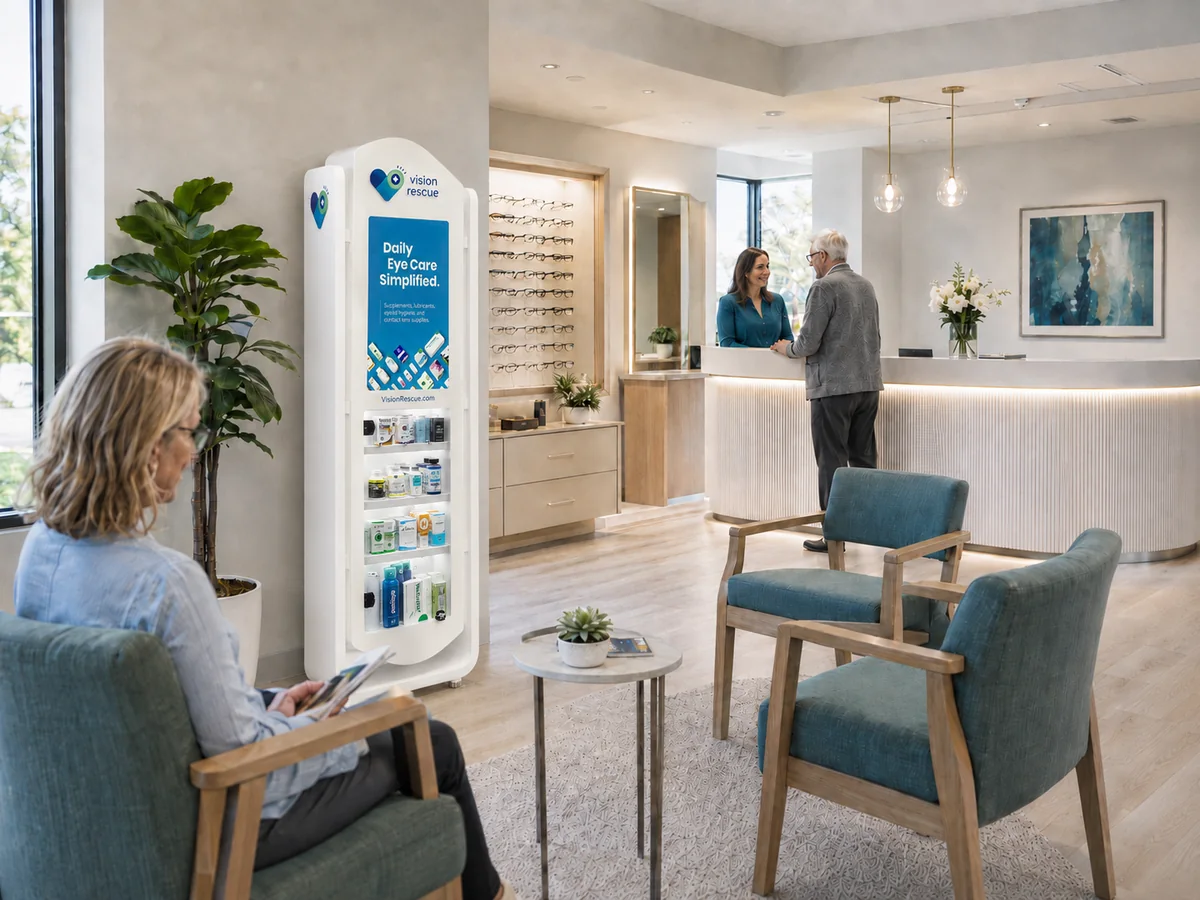
An in-office display keeps the products you recommend in front of patients while they wait, so the purchase happens in your practice instead of somewhere else after the visit. The built-in screen helps educate patients on eye care products, contact lenses, eyewear and your services, and displays are licensed to qualifying practices at no cost.

$0to qualifying practices
2 x 1 ftSlim Tower footprint
Up to 150products, by model
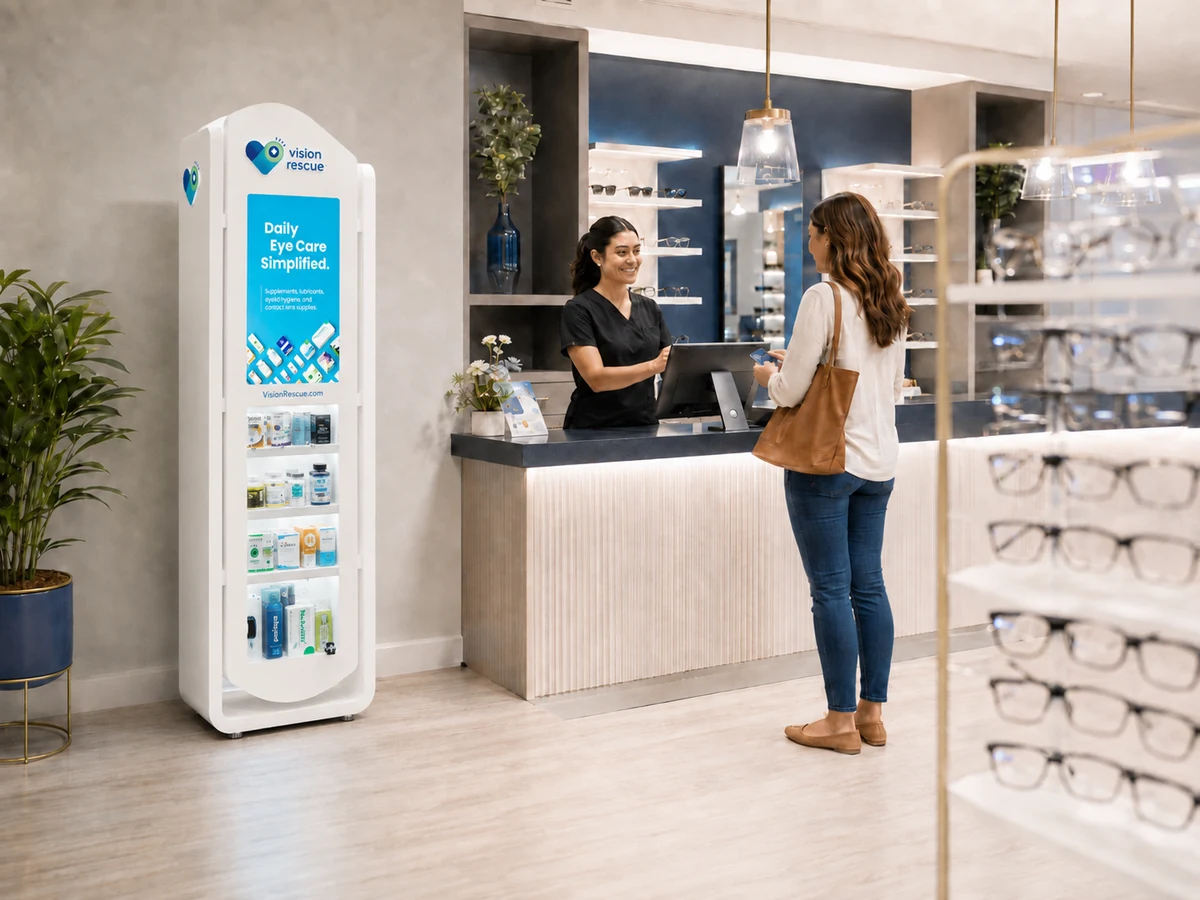
Vision Rescue in-office display in an eye care waiting room

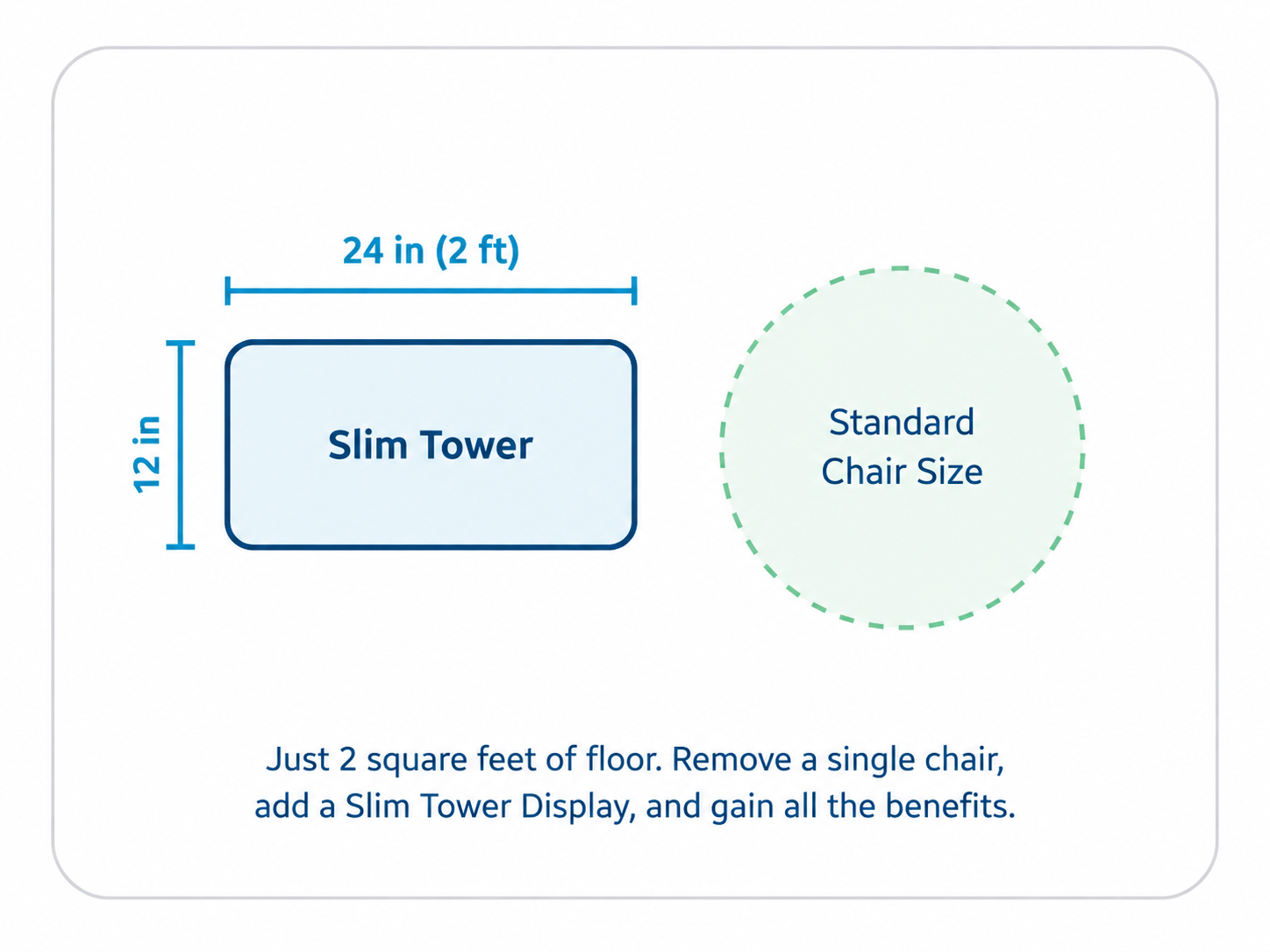
It takes less floor space than a waiting room chair.

The Slim Tower stands tall and narrow, so it draws the eye upward instead of spreading across your floor. Practices place it in the optical, beside the front desk, along an exam hallway or wherever patients naturally pause on the way out.

  • Base of 24 in wide by 12 in deep
  • 6 ft 1 in tall, up to 100 products
  • Screen built in
Slim Tower footprint diagram showing a 2 ft by 1 ft baseSwap out a single chair and the floor barely notices the display is there.
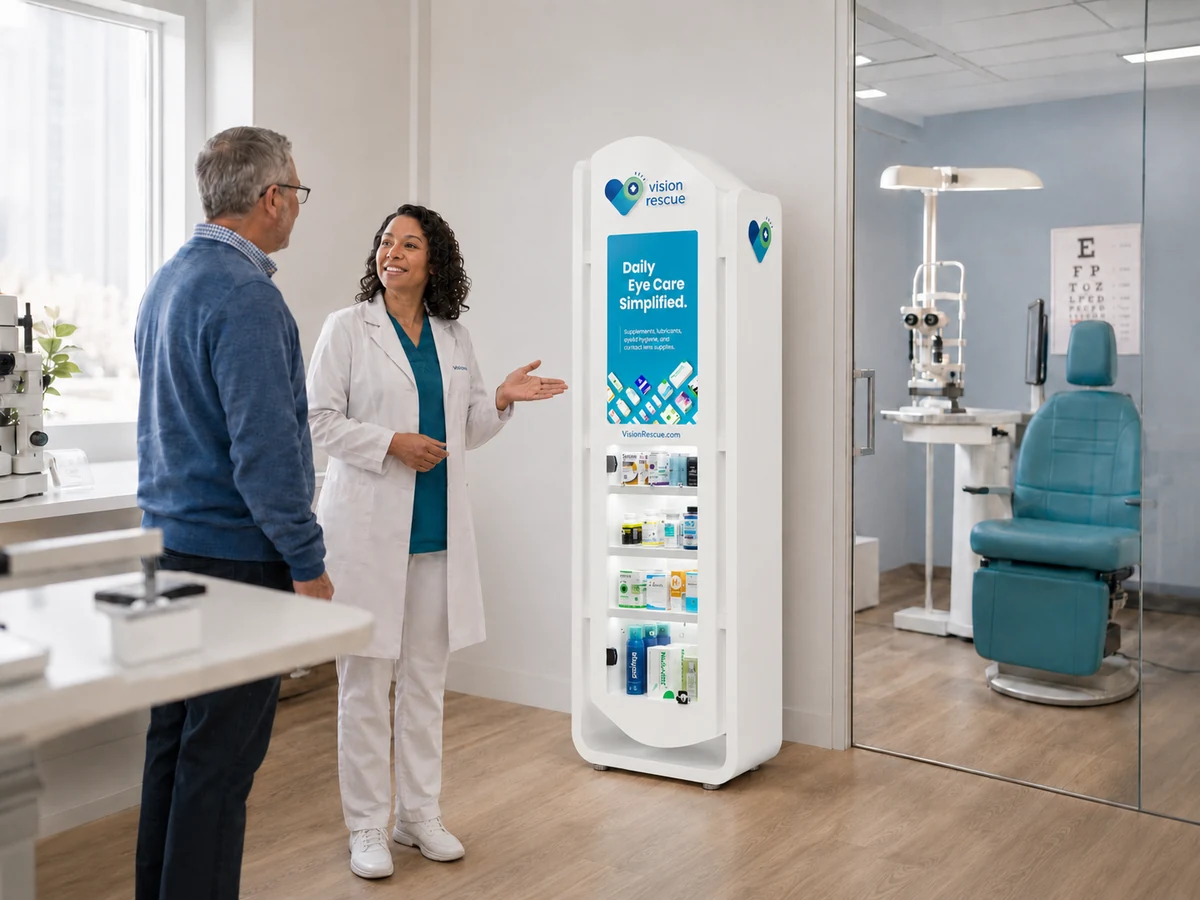
Eye doctor talking with a patient beside a Vision Rescue display

It keeps the purchase in your practice.

Many eye care purchases happen after the patient leaves, at a pharmacy shelf or an online retailer with none of your guidance. The display keeps the products you recommend in view, the screen answers questions while patients wait, and buying from your practice becomes the easy path.

  • Your recommendations stay visible at the moment of interest
  • The screen plays content that educates patients
  • RescueLink is built in for when a patient is ready to buy

Each part of the display has one job.

Turning the trust you built in the exam room into a purchase that happens in your practice.

More awareness

Products sit in the open on the shelves, so patients see what you recommend instead of forgetting it by checkout.

Patient education

The screen can feature your products, contact lenses, eyewear and the services you offer, turning wait time into informed questions.

Organized inventory

Your eye care products stay merchandised in one clear place, so staff and patients know where to look.

A natural place to point

When the doctor recommends a product, staff can walk the patient to the display and finish the conversation there.

What the screen can feature.

Short, visual reminders for the categories your office wants patients to notice, across everything Vision Rescue carries.

Contact lenses

Brands, annual supplies and reordering through your office.

Eye care products

Drops, lid care, supplements and daily care routines.

Eyeglasses

Frame styles, annual pair updates and optical collections.

Lens upgrades

Anti-glare, thinner lenses and other optical options.

Frame brands

Designer and house lines patients can browse by name.

Practice services

Dry eye care, specialty exams and the other services your practice offers.

Two display models and a RescueLink tablet.

Both display models carry a digital screen with RescueLink and run on the same licensing program. The tablet keeps RescueLink open where your staff works. Our team can help confirm which format fits your space and patient flow.

Most popular Vision Rescue Slim Tower display

Slim Tower

Full merchandising presence in a narrow, vertical footprint, which is why most practices choose it.

  • Footprint2 ft W x 1 ft D
  • Height6 ft 1 in (73 in)
  • CapacityUp to 100 products
  • ScreenBuilt in, with RescueLink
  • Cost$0 to qualifying practices
Request this model
Vision Rescue Hybrid display, 81 by 48 by 12 inches, with product shelves and a digital screen

Hybrid Display

A bigger presence in a footprint similar to most eyewear displays, on wheels so it can move between the optical, the waiting room and practice events.

  • Size81 H x 48 W x 12 D in
  • CapacityUp to 150 products
  • MobilityFree standing, on wheels
  • ScreenDigital, with RescueLink
  • Cost$0 to qualifying practices
Request this model
New RescueLink Tablet in a white Vision Rescue case with RescueLink on screen

RescueLink Tablet

An optional dedicated tablet that keeps RescueLink open at the front desk, exam lane or checkout, so staff can send product links in under a minute.

  • Screen10 in touchscreen, Wi-Fi
  • CaseCustom 3D printed
  • SetupPreloaded with RescueLink
  • IncludesPower adapter
  • Price$399.95
View the tablet

Stock it like a checkout lane, not a pharmacy.

The wins are small, recognizable items a patient grabs without deliberating. Overload it with specialty products and nobody touches it. Where it sits and clear pricing matter more than how big it is.

Stock fast movers and kits

Lead with recognizable best sellers and simple starter kits.

TipFewer, better items
Shop best sellers ›

Place it in traffic

Waiting area or checkout, in clear view, not in a corner.

TipPlacement beats size

Price it clearly

Obvious pricing removes hesitation at a self-serve display.

TipLabel every facing

Pair it with RescueLink

Anything not on the display still routes to the patient.

TipNever carry everything
How RescueLink works ›

When a display earns its place

A display fits whenHold off when
Steady patient traffic through the officeVolume is light and the shelf turns slowly
The stocked shelf and RescueLink already workThe basic channels are not established
Someone can keep it stocked and tidyNo one has time to maintain a display
There is a spot patients pass or wait besideThere is no natural high-traffic location

More on in-office channels in the Practice Playbook.

How a practice gets a display.

Displays are licensed to qualifying practices at no cost. Units are limited and placed while supplies last, so practices that see a good fit tend to ask early.

Activate your practice

A free Vision Rescue Pro account confirms the practice and gives our team the right account to work from.

Confirm the terms

Our team reviews availability and the annual minimum with you before your office commits to a display.

Stock it through Vision Rescue

Your team chooses what to carry and sets the shelf price, and the display is stocked through Vision Rescue.

The display is licensed, not sold. RescueLink also works without a display: see how RescueLink works.

Request a display.

Activate your practice, then talk with our team about your space, the model that fits and what qualifying looks like for your office.

  • A free Vision Rescue Pro account is all you need to start
  • Terms are reviewed with you before anything is committed
  • Already activated: sign in

Talk with our team

A 15-minute call covers fit, placement and the program terms.

Or call 1-855-692-8024

Frequently asked questions

Will the Slim Tower fit in my office?

In almost every case. It stands tall and narrow, with a base about the size of a nightstand, so it fits in a corner, beside the front desk, in the optical or in a pre-test area. The base is 24 in wide by 12 in deep.

How much does a display cost?

Displays are licensed to qualifying practices at no cost, while supplies last. In exchange, your practice stocks the display through Vision Rescue and meets an annual minimum, which our team confirms with you before you commit.

Are displays guaranteed?

No. Units are limited and placed while supplies last.

Do we own the display?

No. The display is licensed to the practice, not sold.

Who decides what goes on it and what it costs patients?

Your office. Your team chooses the products and sets the shelf price.

What plays on the screen?

Content on the categories your office wants patients to notice: eye care products, contact lenses, eyeglasses, lens upgrades, frame brands and your practice services.

How does RescueLink work with the display?

RescueLink is built into the screen. Staff build a patient-specific cart and send it by text, so the patient completes the purchase on their phone, often before they leave the office.

Do we need a display to use RescueLink?

No. RescueLink works on its own, with or without a display in the office.

How do I request a display?

Activate your practice with a free Vision Rescue Pro account, then book a 15-minute call or call 1-855-692-8024 to plan size and placement.

Put your recommendations on the floor.

Activate your practice, then talk with our team about whether a display fits your space, your inventory and your patient flow. Already have a display: visit the display help center. Questions: 1-855-692-8024.

Displays are licensed to qualifying practices at no cost while supplies last. Units are limited and not guaranteed. Keeping a display at no cost requires stocking it through Vision Rescue and meeting an annual minimum, confirmed with your practice before commitment. The display is licensed, not sold.