
Keep your current workflow. Add Vision Rescue behind it.
Your team can keep using the systems already in place. Vision Rescue adds an extra capture layer for patients who leave that workflow and search online on their own.
Your current workflow sends the link. Vision Rescue catches the rest.
Most systems work when staff send a link and the patient uses it. Vision Rescue is for the patient who was fit in the office, but later searches online instead.
Keep using what already works.
Staff can keep sending the platform link, reminder text or office process that already helps some patients complete their order.
Compete when the patient searches.
If the patient goes to Google instead, Vision Rescue gives the practice a way to participate in that online order.
Same team, separate activation.
Dry Eye Rescue customers still need to activate Vision Rescue so the contact lens dispensing model has the right practice, payment and fulfillment details.
License, NPI and tax details
Confirms the practice and prescriber information tied to eligible orders.
Distributor of Choice
Connects the distributor path used for lens fulfillment.
Stripe deposits
Connects the practice bank account for eligible order deposits.
Dispensing addendum
Confirms the program terms before the model goes live.

Add VisionRescue.com where the patient will see it.
Add VisionRescue.com to the contact lens prescription note, the practice website, and the staff handoff. If the patient leaves the office workflow, they still have a doctor-network reorder path.
Connect this page to the full contact lens model.
These pages answer the questions doctors usually ask next.

How the full model works
The main contact lens e-commerce page.
See overview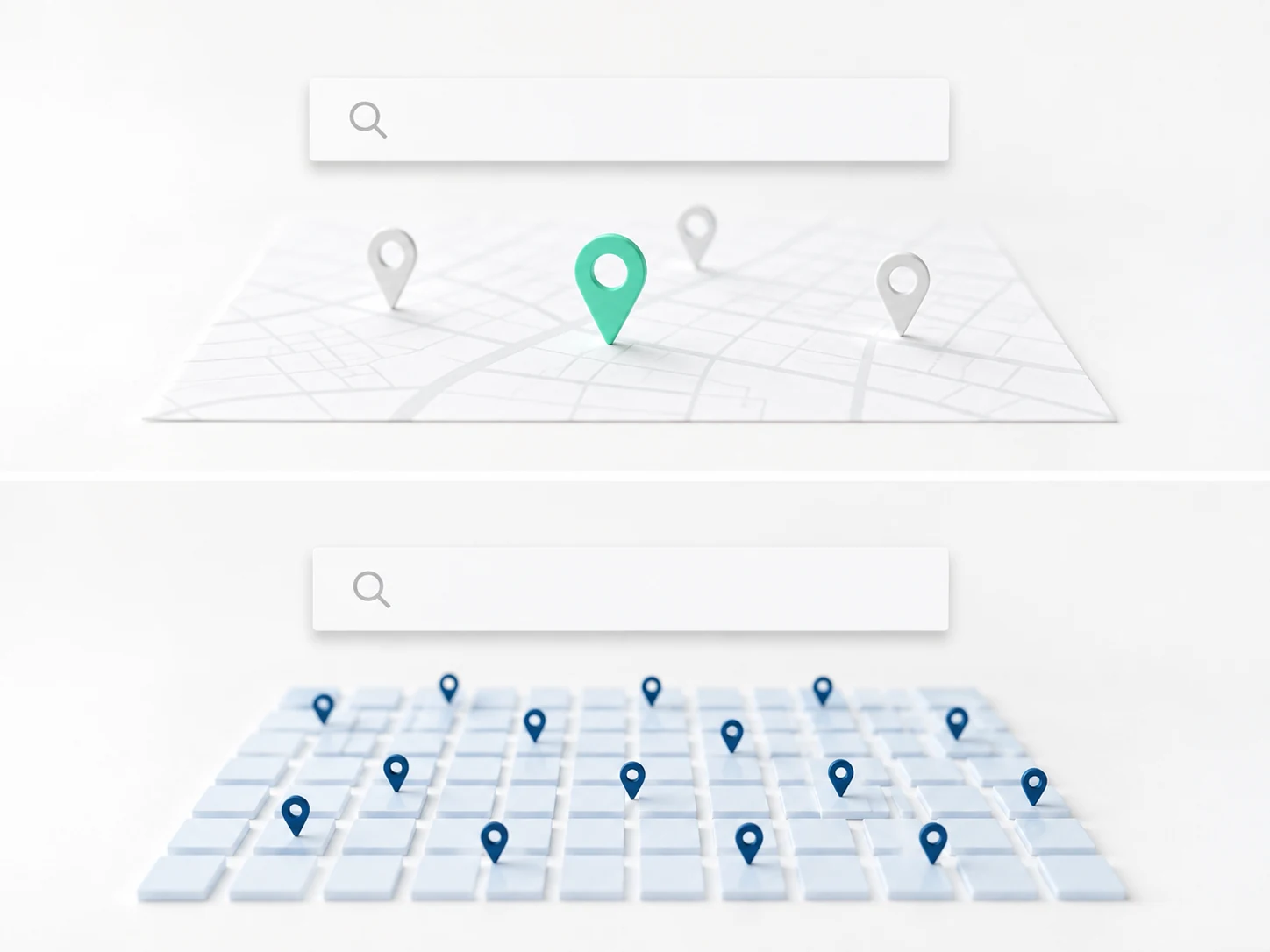
Why does Google matter?
Why national product search is different from an office portal.
See national search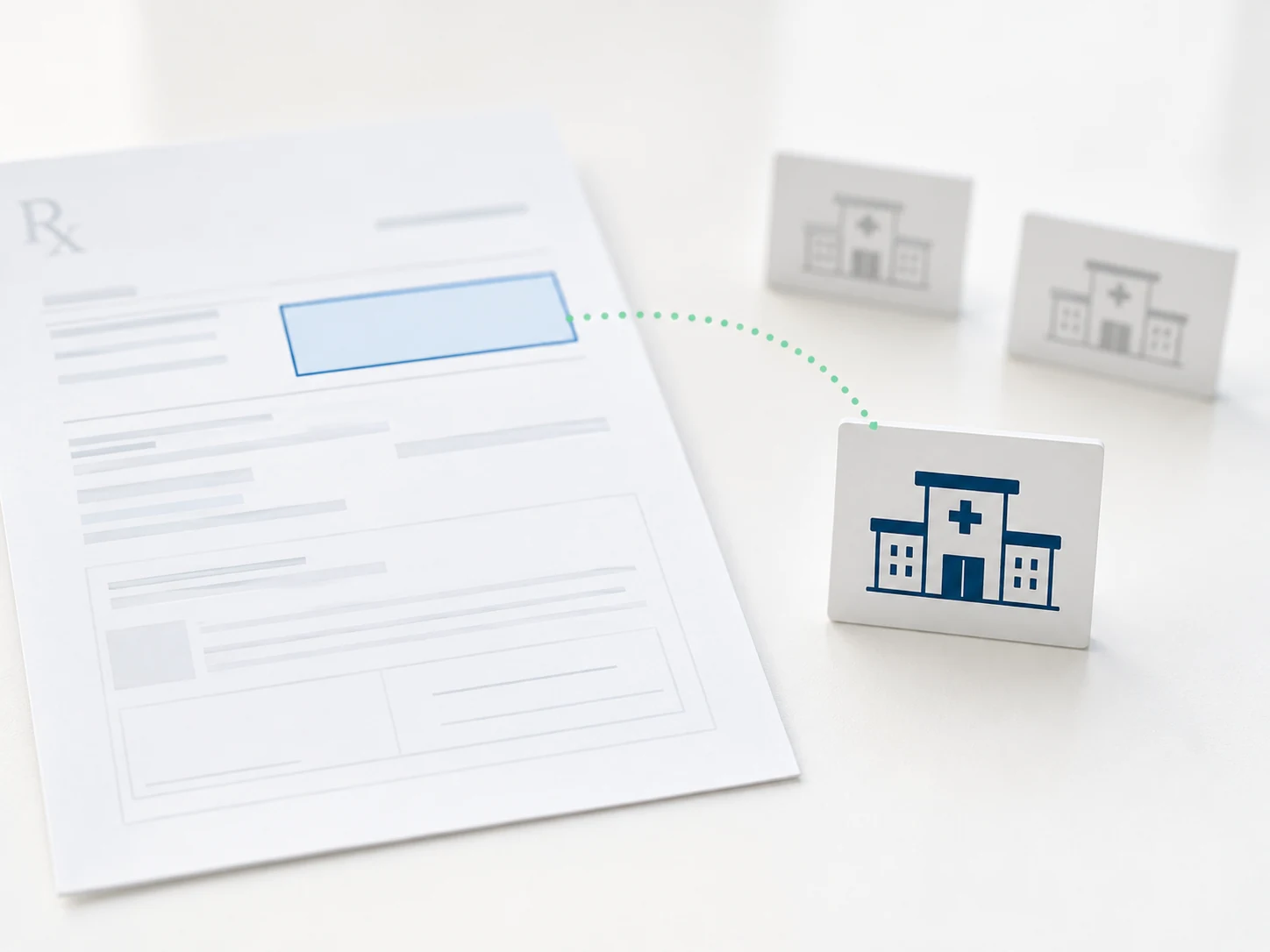
How does the order find my practice?
Prescription matching, routing and verification.
See order routing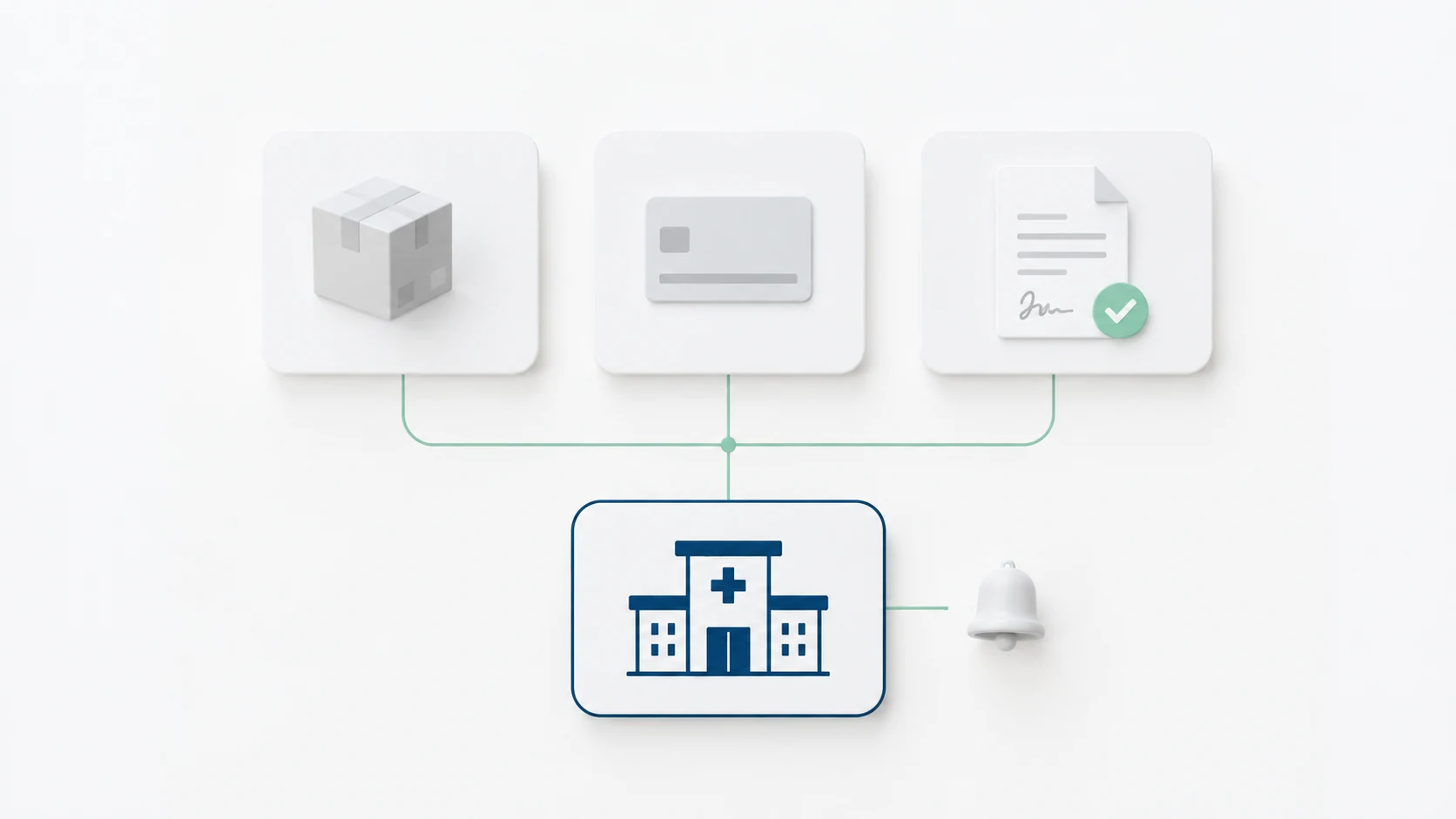
What do I need to activate?
NPI, license, Distributor of Choice, Stripe and the dispensing agreement.
See setupAdd the layer before the next patient searches.
Activation prepares the practice for eligible contact lens orders that move from the office workflow to online search.
$0 signup · $0 monthly · $0 minimum
Vision Rescue and Dry Eye Rescue are the same company. Vision Rescue is a technology and wholesale platform for licensed eyecare professionals. Eligibility requires an active US license, an NPI, and a Distributor of Choice account for fulfillment. Prescription verification is performed according to applicable contact lens verification rules. Not tax or legal advice.